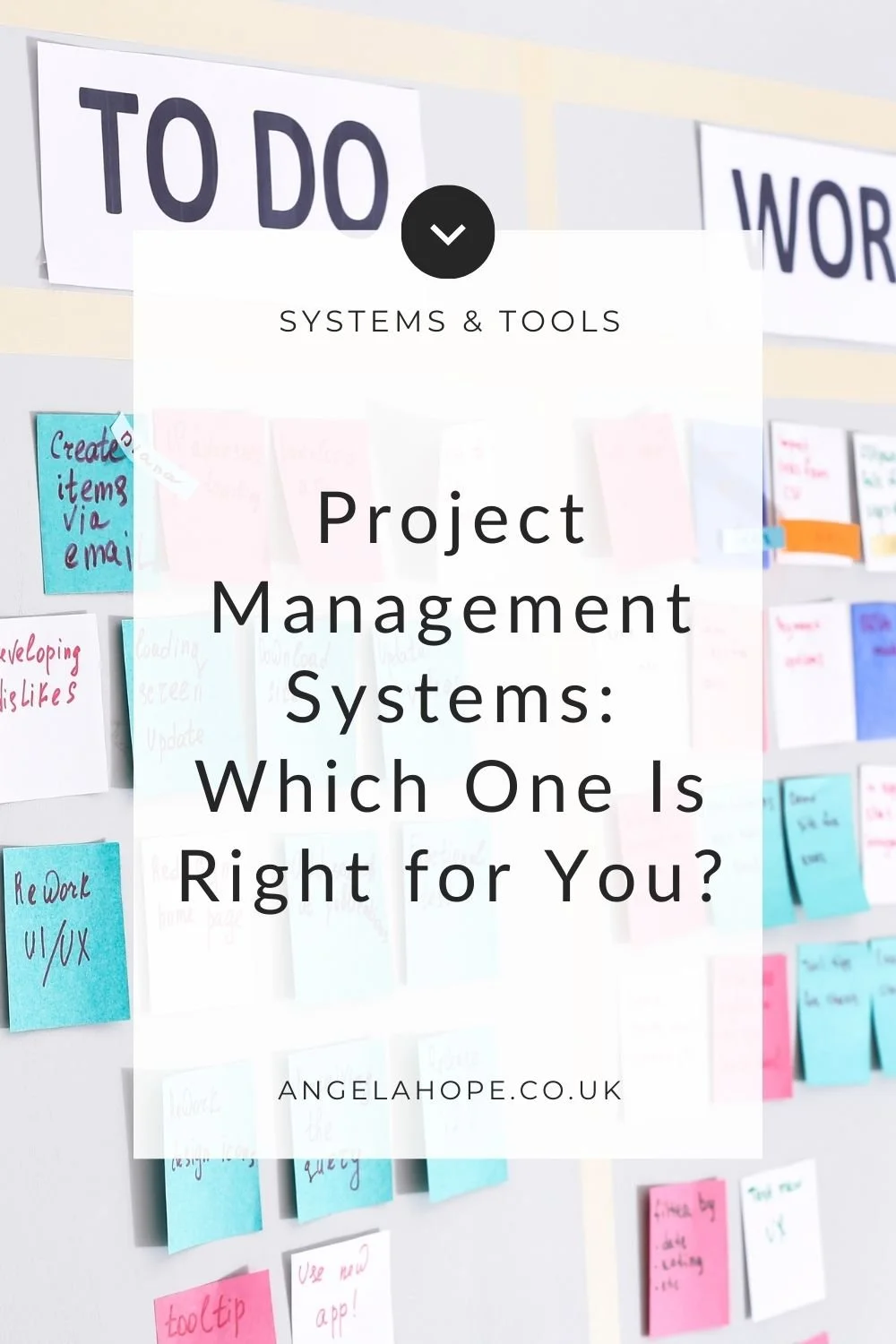
Project Management Systems: Which One Is Right for You?
If you run a business, you’ve probably realised that keeping everything organised can quickly become a challenge.
Client work, marketing tasks, admin, ideas for future projects… it all adds up. And if your tasks currently live in a mix of notebooks, sticky notes, emails and half-finished to-do lists, it might be time for a project management system.
The problem is that once you start looking for one, you’re immediately faced with dozens of options.
Tools like ClickUp, Asana, Trello, Monday.com and Notion all promise to organise your work and boost productivity.
But here’s something many small business owners discover after trying a few different platforms:
The best system isn’t the most powerful one — it’s the one you’ll actually use.
For many businesses, the most effective system is often the simplest one.
What does a Project Management System Actually Do?
At its core, a project management system simply helps you:
Organise tasks
Track progress
Manage deadlines
Keep projects moving forward
In larger teams, these tools can be incredibly powerful.
But for many solo business owners or small teams, that level of complexity can quickly become overwhelming.
Why Do Project Management Tools Often Feel Overwhelming
Most modern platforms are designed to do a lot.
You can build workflows, dashboards, automations, time tracking systems, integrations, reporting systems and much more.
While that flexibility can be useful, it can also create an unexpected problem: too many choices.
When every task can have multiple views, statuses, priorities, dependencies and automations, you can end up spending more time designing your system than actually using it.
And that’s when productivity tools start working against you instead of helping you.
5 Signs Your Project Management System Is Too Complicated
A project management system should make your work easier, not harder. But sometimes a tool that promises to improve productivity ends up creating more friction instead.
Here are a few signs your system might be more complicated than it needs to be.
1. You Spend More Time Organising Tasks Than Doing Them
If you regularly find yourself adjusting workflows, renaming lists, reorganising boards, or tweaking settings, your system might be taking up more energy than it should.
A good project management tool should quietly support your work in the background — not become a project in its own right.
2. You Avoid Opening the Tool
If opening your project management system makes you feel slightly overwhelmed before you’ve even started working, that’s often a sign it may not be the right fit.
A good system should feel clear and easy to navigate.
3. You Need a Tutorial to Remember How It Works
Some platforms are incredibly powerful, but they also come with a steep learning curve.
If you constantly need to remind yourself where things live or how your workflows are structured, the system may simply be too complex for your needs.
4. Your Tasks Exist in Multiple Places
When a system becomes difficult to maintain, people often start working around it.
Tasks might live partly in your project management tool, partly in emails, and partly in a notebook or random to-do list.
When this happens, the system is no longer serving its purpose.
5. You’re Always Looking for a Better Tool
If you frequently find yourself researching alternatives — comparing tools like ClickUp, Asana, Trello or Monday.com — the real problem might not be the software.
Often, it’s simply that the system has become too complicated.
How Do I Choose the Right Project Management System
Before committing to a new platform, it’s worth stepping back and asking a few simple questions.
Do you prefer lists or visual boards?
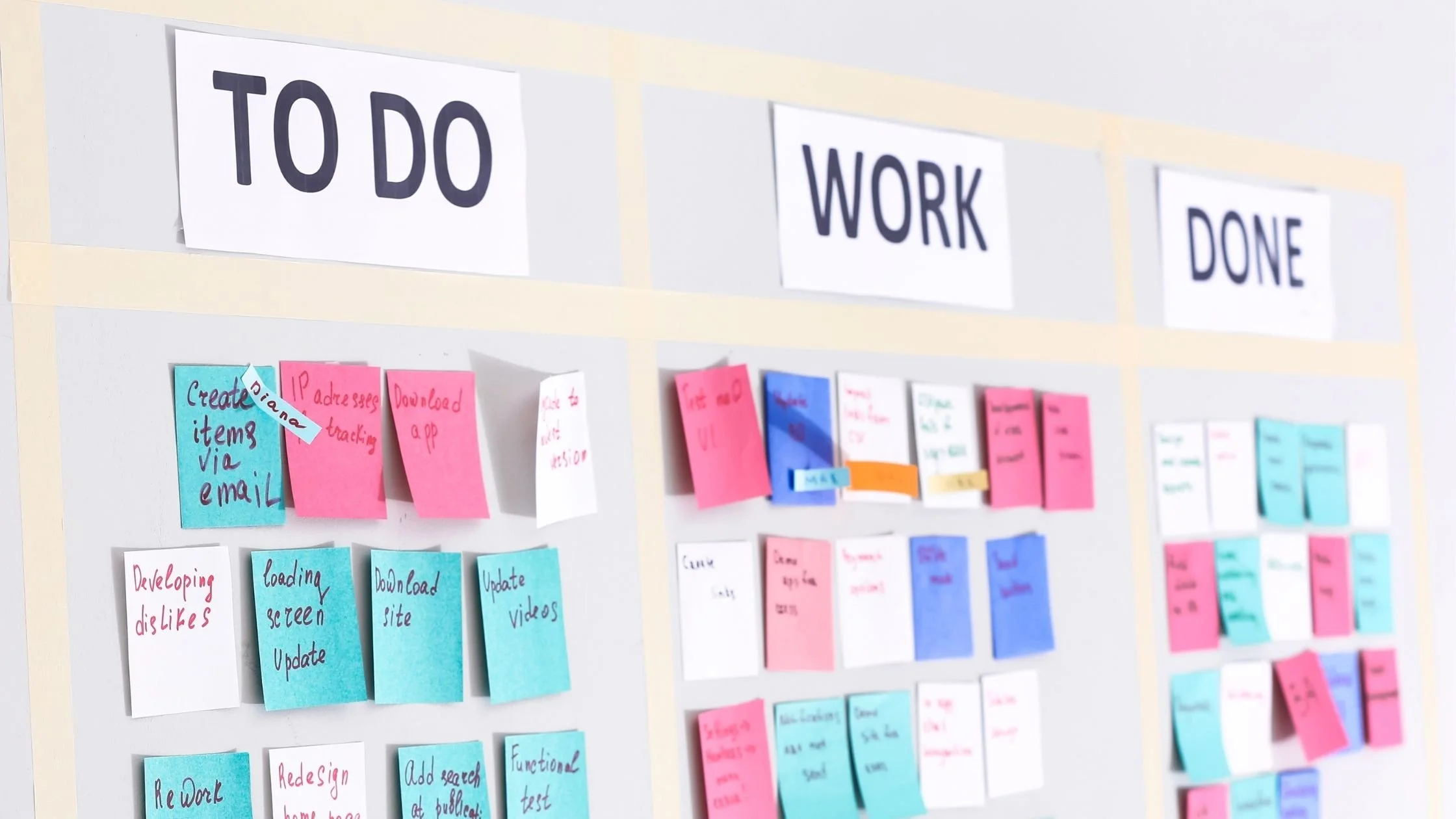
Some people like structured task lists, while others prefer visual boards where tasks move through stages.
Are you working alone or with a team?
Solo businesses usually need far less complexity than teams managing multiple roles.
Do you need simple task tracking or full project planning?
Not every business needs timelines, automations and dashboards.
Will you realistically maintain the system?
A complicated system that isn’t updated regularly is far less useful than a simple one that stays current.
Start Simpler Than You Think
Many business owners assume they need a powerful project management tool straight away.
But often, a simpler system works perfectly well for quite a long time.
That might be:
A notebook or bullet journal
A simple task manager
A visual board in Trello
As your business grows, you can always move to something more advanced if you need it.
Quick Decision Guide: Which Project Management Tool Should I Use?
Do you work alone?
✅ Yes → Simple task manager (Apple Reminders / Trello)
❌ No → Team tool (Asana / ClickUp / Monday)
Do you like visual boards?
✅ Yes → Trello / Notion Kanban
❌ No → Lists or simple to-do app
Do you need automations or advanced features?
✅ Yes → ClickUp / Asana / Monday
❌ No → Keep it simple
The Goal Isn’t the Perfect Tool
It’s easy to believe that the right tool will suddenly make everything run smoothly.
But the real goal isn’t finding the perfect software.
It’s creating a system that helps you stay organised without adding unnecessary complexity.
Sometimes the simplest tools are the ones that work best.
If you’re curious about the simple system I personally use in my own business, you might enjoy this related post: My Simple Project Management System (And Why I Stopped Using Complex Tools)