
When you’ve had a busy week like me, the last thing you want is digital clutter adding to the chaos. A few small tweaks can make your tech life so much easier - and help you go into the weekend feeling calm and in control.
Here are five quick wins you can do in just 10 minutes:
1. Clear Your Digital Desktop
A cluttered desktop = a cluttered mind. Move old files into folders, delete what you don’t need, and keep only the essentials visible.
2. Unsubscribe from Emails You Never Open
Go through your inbox, find a few newsletters you don’t read, and hit unsubscribe. Your future self will thank you!
3. Update Your Password Manager
If you’re still using "Password123" (or variations of it), take a moment to update weak passwords and make sure everything is securely stored.
4. Declutter Your Browser Tabs
If you have 57 tabs open right now, close what you don’t need. Bookmark important pages into folders (Work, Personal, Resources) so you can find them easily later. If you tend to keep things open for reference, try using the browser’s built-in Reading List or a simple Notes app to save links instead.
5. Automate a Repetitive Task
Find one thing you do manually and automate it - whether it’s setting up an email template, using a scheduling tool, or creating a shortcut for common tasks.
Bonus: Restart Your Devices
Haven’t shut down your computer or phone in a while? A quick restart can clear memory, improve speed, and fix minor glitches.
🚀 Take 10 minutes now and go into the weekend feeling lighter! Which one are you tackling first?
September is the perfect time to take a fresh look at your business. You don’t need a complete overhaul — just a chance to notice what isn’t working, what’s become a bit of a faff, and what could be made simpler.
Think you’re too old for technology? I’m not convinced. You might need more time, more help or a bit of patience, but being older doesn’t mean you can’t learn. Sometimes, you’re just too stubborn to change.

Running a business in a digital world might make you think I rely on complicated productivity apps and systems, but my favourite tool is still a notebook and a pen. In this post, I’m sharing why bullet journaling helps me stay organised, clear-headed and productive without adding more digital overwhelm.
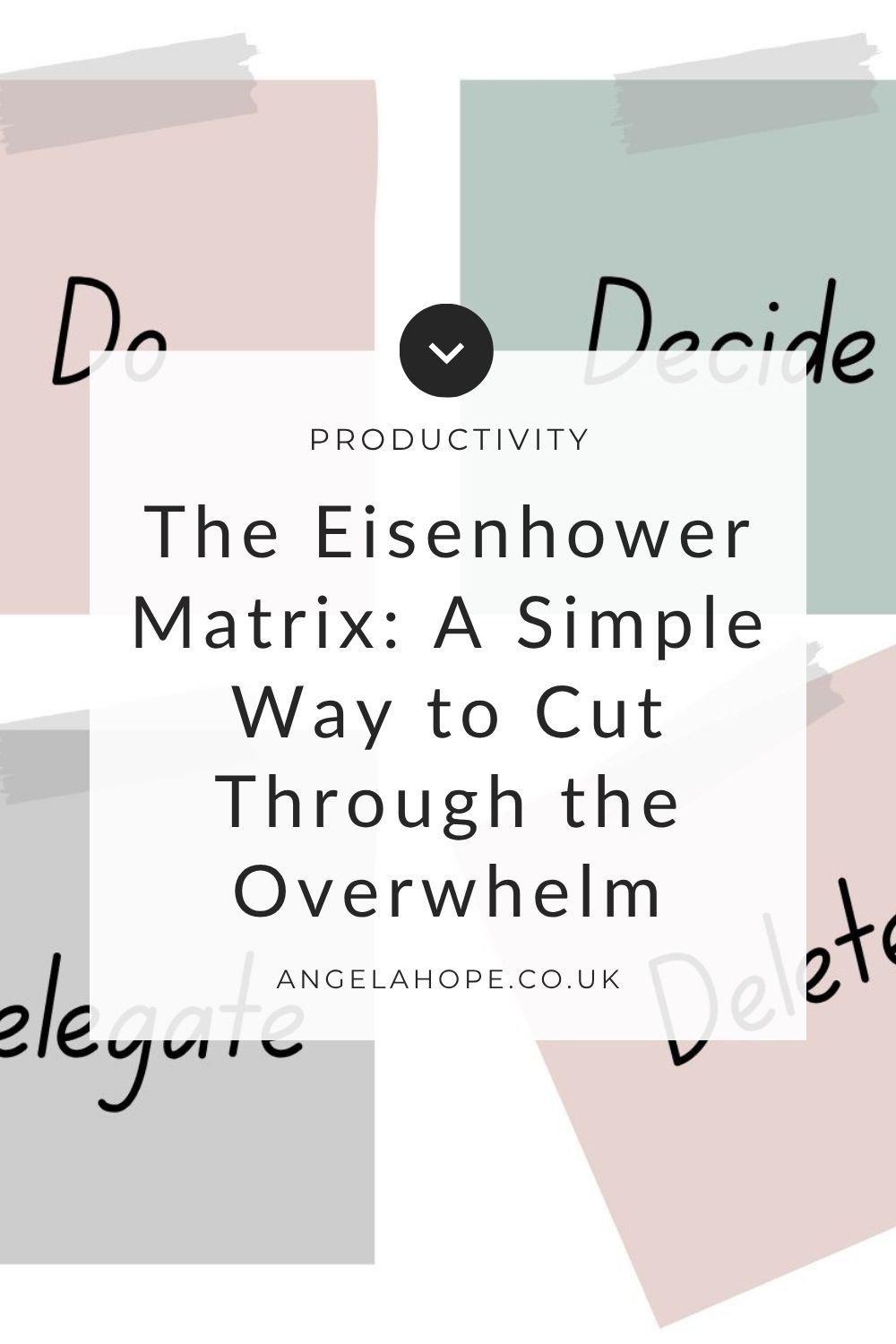
Feeling overwhelmed by everything on your to-do list? The Eisenhower Matrix is a simple way to prioritise tasks by urgency and importance. Learn how to focus on what truly matters, delegate what doesn’t, and stop wasting time on what’s unnecessary.
Simple keyboard shortcuts and Mac workflow tips that help you work faster, reduce clicks, and make everyday tasks feel easier.

A Squirrel Day is when you finally tackle all those tiny, lingering jobs that create unnecessary mental clutter. No planning, no prioritising — just start at the top of the list and squirrel them away, one by one.

Ease back into work this new year with a gentle reset. Simple steps like tidying your desk, clearing your inbox, and starting a fresh notebook can help you feel focused and ready to tackle the year ahead.

Some days your brain just won’t cooperate. A Zombie List is a simple productivity method to keep moving forward with low-effort tasks when motivation is low.

Feeling overwhelmed by the holiday chaos? Learn how steady business systems and small daily habits can help you survive Christmas without burning out.
Struggling to stay on top of your inbox? Discover how to organise emails effectively with the Stack Method—a simple, minimalist workflow to reduce clutter, save time, and reclaim control over your day.

I love project management tools. ClickUp, Trello, Asana, Monday, Sunsama—you name it, I’ve tried it. They all have powerful features and endless ways to tinker, but here’s the truth: Apple Reminders doesn’t come close to their complexity. It has far fewer features, doesn’t integrate with dozens of apps, and will never replace a full project management system.

You tidy your home. You clear your desk. But when was the last time you decluttered your digital workspace? A Digital Reset Routine is a chance to pause, clean up, and reset your tech so it supports you — not slows you down. It's not about doing everything, but about giving yourself space to breathe and making your systems easier to use.

Why this unassuming app is now the beating heart of my productivity. I’m so invested in Apple Reminders now, and it’s become so integrated in my life and business, I honestly don’t know what I’d do without it.

Regardless of how busy I am, one thing is non-negotiable: keeping my emails under control.
It’s one of those habits where little and often is the best approach to stay on top of things. A few minutes a day means I never have to face hundreds (or thousands!) of unread messages. But I know not everyone feels the same.

Feeling overwhelmed by years of digital photos?
This 5-step plan will help you declutter, organise, and back up your photos once and for all—no more chaos, no more duplicates, just a simple system that works.

Do you remember having packets and packets of BonusPrint photos, bulging with negatives and stuffed in a shoebox under the bed?
I do — and I’m so pleased that with the rise of digital photography, we no longer have to deal with that kind of physical clutter.
But how organised are your digital photos?

I work as a technical expert—a digital systems specialist, a tech-savvy person who helps others set up productivity tools. But can I let you in on a little secret? For my own to-do list and day-to-day productivity, I love bullet journalling. If you enjoy stationery, writing things down, and making lists, I think you’ll love it too.
Canva is undoubtedly one of the most useful apps I use in my business, and I often recommend that my clients upgrade to the Pro version. It can turn even the least creative person into a designer overnight.

Lately, I’ve been struggling with my to-do list—both at home and work. On the business side, I’ve been deep in new projects, content creation, and client work. At home, I’ve been tackling a major decluttering mission now that spring has finally arrived.

If you run a service-based business, time tracking might already be second nature to you. But have you ever tracked your time from the moment you wake up to the moment you go to bed?

From overflowing inboxes to forgotten apps and duplicate files, our digital spaces can quickly become chaotic. But unlike a messy drawer, digital clutter is often invisible—lurking in the background and draining our focus, time, and even device performance.
Finding the perfect productivity app can feel like the holy grail. There are so many options, each promising to revolutionise how we manage our tasks, but more often than not, they end up complicating things rather than simplifying them.