My Simple Project Management System (And Why I Stopped Using Complex Tools)
When you run a business, it’s easy to believe that you need a sophisticated project management system to stay organised.
There are dozens of powerful tools available — from ClickUp and Asana to Monday.com and Notion — all designed to manage projects, tasks, teams and workflows.
But after trying some of these systems myself, I realised something surprising.
More powerful doesn’t always mean more productive.
In fact, for my own business, a much simpler system works far better.
When a Powerful Tool Becomes a Distraction
For a while, I used ClickUp to manage my work.
On paper, it was the perfect solution. It could do everything: projects, tasks, dashboards, documents, automations, timelines and more.
But over time I noticed something interesting happening.
Instead of focusing on my actual work, I found myself constantly tweaking the system.
Reorganising lists.
Adjusting workflows.
Experimenting with different task views.
It felt productive — but in reality, it had become a form of procrastination.
Eventually I realised the system had become far more complicated than it needed to be.
My Current Hybrid System
These days, my approach is much simpler.
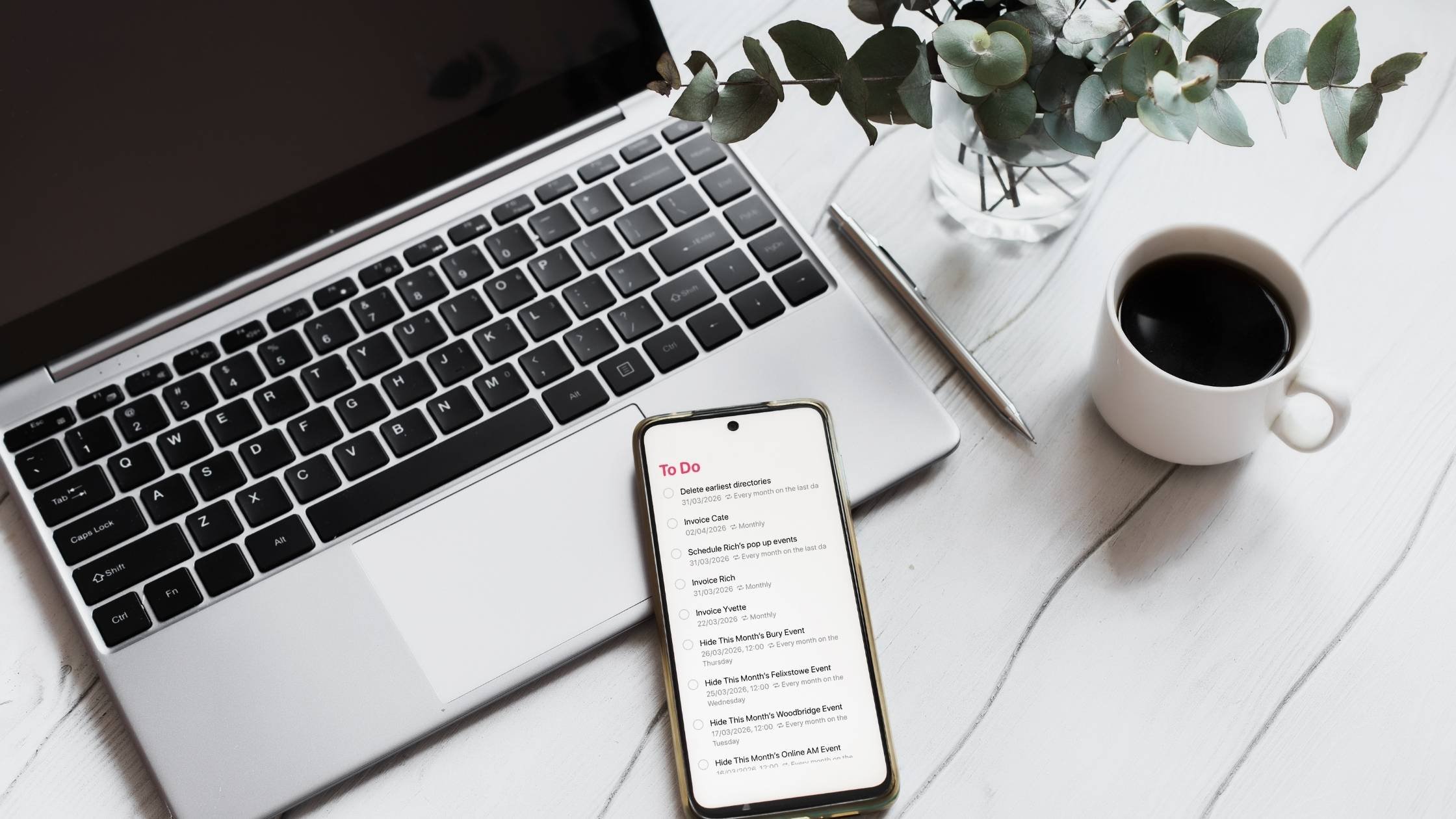
I use a combination of bullet journalling and Apple Reminders.
Writing tasks down helps me get everything out of my head and onto paper. That process alone helps me clarify what actually needs to be done.
It also gives me a place to capture ideas, notes and rough plans without overthinking structure.
Alongside that, I use Apple Reminders to manage time-based tasks and deadlines.
It allows me to:
Set deadlines
Add useful links
Organise tasks into lists
Sync reminders with my calendar in Apple Calendar
It’s simple, reliable, and always available across my devices.
Most importantly, it doesn’t require constant maintenance.
A Recent Reminder About Simplicity
Recently, I started a project for a client who needed both a CRM system and a project management system.
Initially, I explored a few well-known tools.
I started with Monday.com because it’s clean, intuitive and relatively easy to use. But once we looked at the pricing structure for the features required, it quickly became clear that it might be more expensive than necessary.
Next, I returned to ClickUp.
And almost immediately, that familiar sense of overwhelm returned.
Too many options.
Too many possible structures.
Too many decisions about how everything should be organised.
Before long, I was experiencing a classic case of decision fatigue.
The Step That Helped
At that point, the best decision wasn’t choosing another tool.
It was stepping away from the tools entirely.
Instead of jumping straight into another platform, I created a simple wishlist.
I wrote down exactly what the system needed to do.
Not the features available in different platforms — just the practical requirements.
Things like:
Track client details
Manage project tasks
Store communication notes
Provide a clear overview of project progress
Be simple enough for the team to use consistently
Once those requirements were clear, it became much easier to evaluate tools properly.
And more importantly, it stopped the endless cycle of trying new platforms.
Sometimes Simpler Really Is Better
Technology can be incredibly helpful, but more features don’t always lead to better systems.
Often the most effective setup is the one that:
Is easy to maintain
Fits your natural way of working
Doesn’t require constant adjustments
For me, that currently means a combination of pen, paper, and a simple digital task manager.
And honestly, it works far better than many of the complex systems I’ve tried in the past.
If you’re currently exploring project management tools, it’s easy to get caught up in comparisons and feature lists.
But before committing to any platform, it’s worth asking a simple question:
What do I actually need this system to do?
Once you know that, choosing the right tool becomes much easier.
And sometimes, the best solution turns out to be much simpler than you expected.
If you’re still deciding which type of project management system might suit your business, you might also find this guide helpful: Project Management Systems: Which One Is Right for You?