How to Use Pinterest for Branding (When You Can’t Afford a Designer)
If you’re building your business on a budget, branding can feel like something you’ll “do properly later”.
You know your website and online presence need to look cohesive and professional — but hiring a designer just isn’t realistic right now.
That’s where Pinterest comes in.
Used properly, Pinterest isn’t about copying other brands. It’s a free, powerful way to clarify how you want your business to look and feel, so you can make confident design decisions — even if you’re DIYing your website.
In this post, I’ll show you how to use Pinterest to:
Define your brand feel
Explore colours, typography, and style
Gather inspiration intentionally
Begin the process of creating a mood board
No design experience required.
Start With Feelings, Not Fonts
Strong branding doesn’t start with colours or logos — it starts with how you want people to feel when they land on your website.
Ask yourself:
How do I want my brand to feel?
How do I want clients to feel when they’re on my website?
If my brand were a person, what would they be like?
Write down 5–7 brand feeling words — examples might include calm, warm, minimal, creative, trustworthy, or bold.
These words become your filter: if something doesn’t match, it doesn’t belong.
What a Pinterest Inspiration Board Really Is
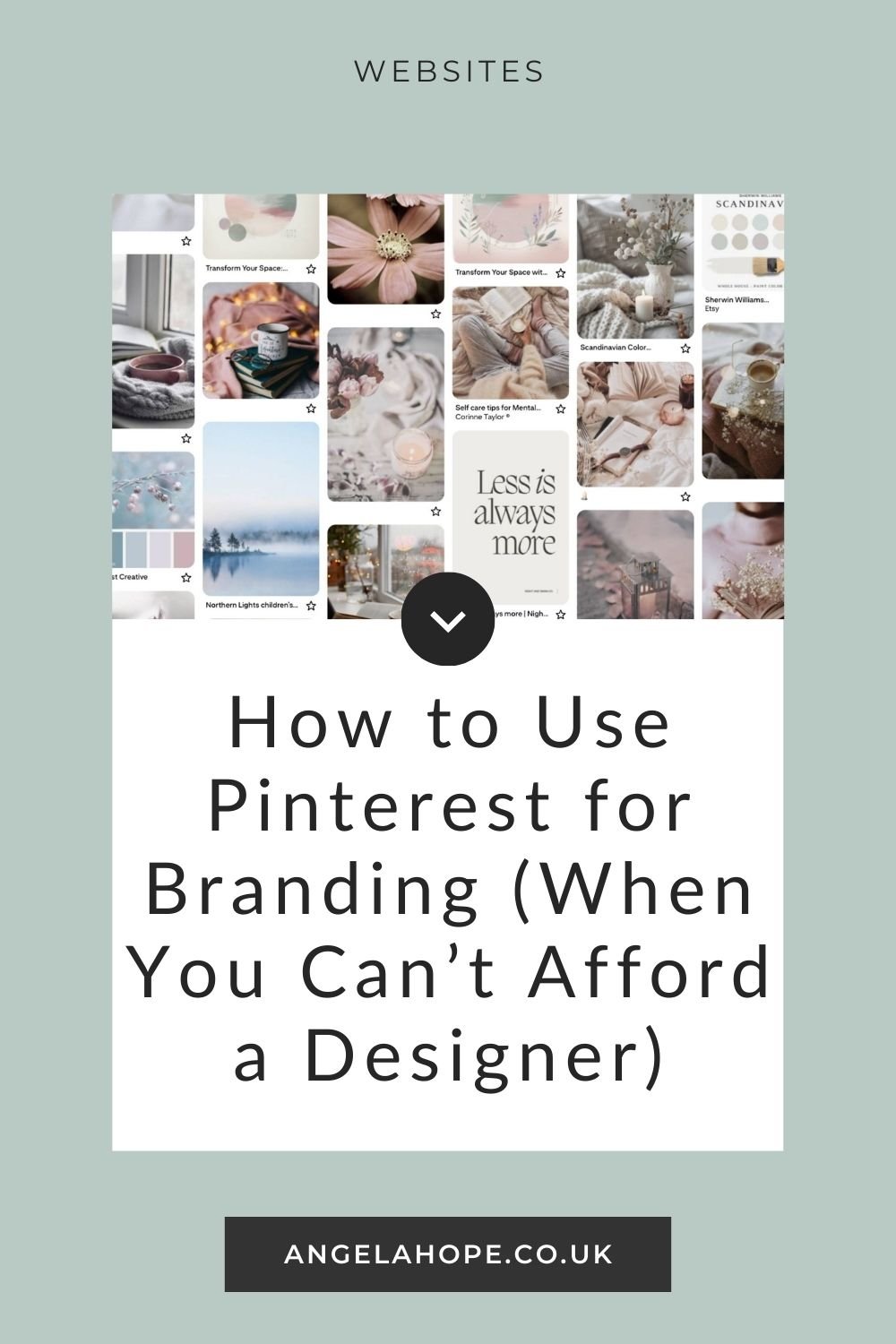
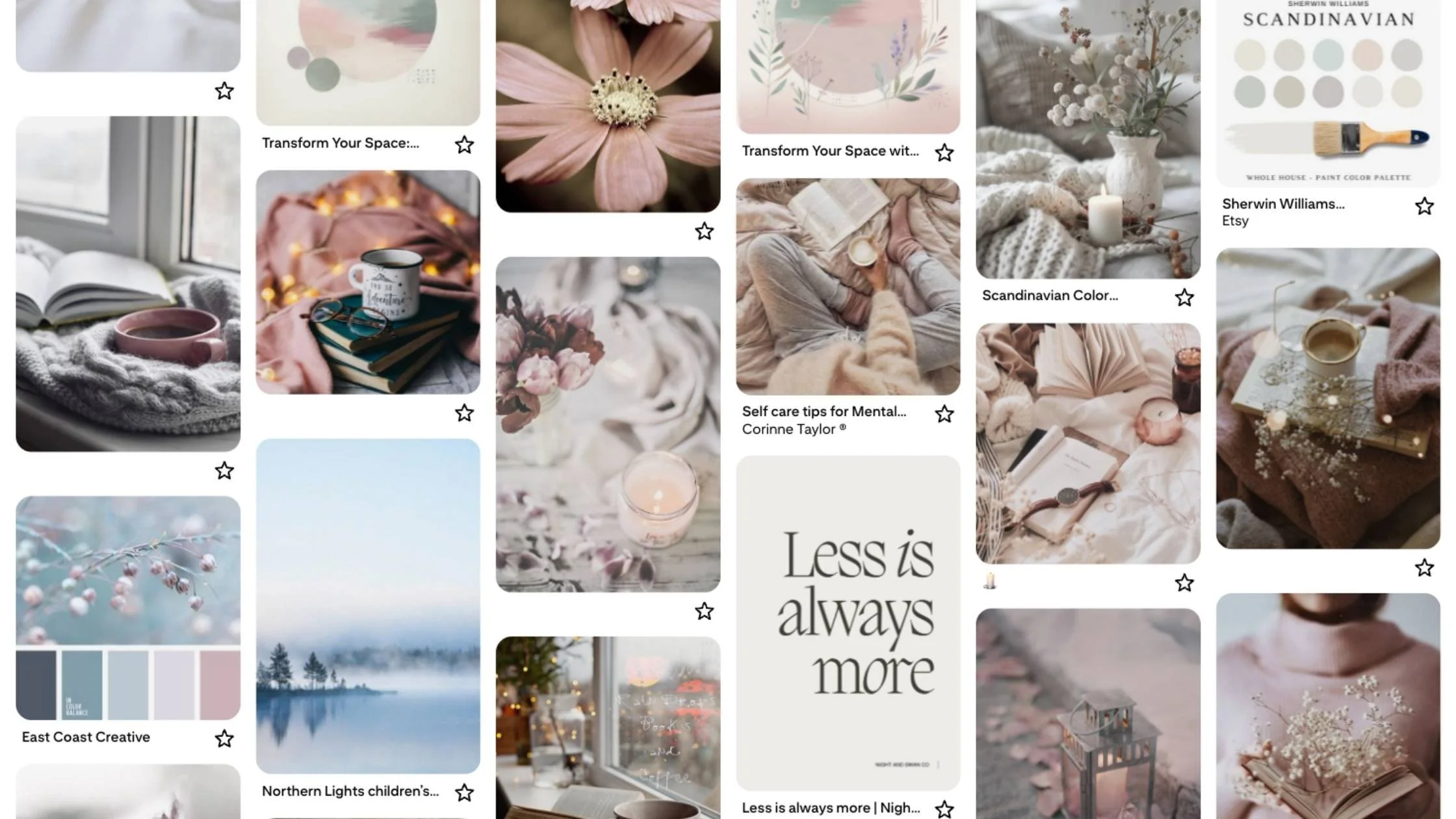
A Pinterest inspiration board is a visual way to explore how you want your website to look and feel.
The images don’t need to be websites — in fact, they usually work better when they’re not.
Think about pinning images that reflect the style and vibe of your business, such as:
Interiors and office spaces
Photography styles
Colour combinations
Textures and patterns
Fashion, lifestyle, or editorial imagery
This is about visual inspiration, not copying someone else’s work.
Create a Private Pinterest Board
If you don’t already have a Pinterest account, you can set one up in minutes. You can set up a Pinterest account here.
Once you’re in:
Create a private board
Name it something like Brand Inspiration or Website Mood
This is your space to explore freely, without overthinking or worrying about getting it “right”.
How to Search Pinterest With Intention
Instead of vague searches like branding or website design, use combinations of your brand feeling words and style keywords.
On-brand search examples:
“Minimal Scandinavian workspace”
“Calm neutral branding”
“Soft modern typography”
“Light airy interiors”
“Muted colour palette design”
Try combining your feeling words with terms like workspace, branding, interiors, typography, style, or design to produce intentional results.
Pin First, Edit Later
Don’t worry about perfection — this stage is all about exploration.
Pin anything that:
Catches your eye
Reflects at least one of your brand feeling words
Feels aligned with your business vibe
The goal is quantity over quality. The more images you collect, the easier it will be to see patterns emerge later.
What to Look for While You’re Pinning
Aim for variety:
Colours and colour palettes
Patterns and textures
Typography or quotes
People and poses
Landscapes, interiors, architecture
Fabrics, materials, foliage
Mix close-ups with wide shots, light with dark, clean with textured. This variety helps reveal what consistently resonates with you.
Questions to Guide Your Choices
If you’re unsure what to pin, ask yourself:
What would my brand look like if it were a room?
What images show how I want people to feel on my website?
What styles, layouts, or textures inspire me?
If my brand were a pattern, what would it look like?
If my brand were a shop, which shop would it feel closest to?
What photos or quotes show my brand’s personality?
These questions help you pin with purpose — not just because something looks nice.
Step Back and Notice Patterns
Once you’ve pinned a good variety, step back and look at your board as a whole.
You’ll likely start to notice:
Colours that repeat
Consistent moods or lighting
Styles or layouts that feel right
These patterns are your first hints of your brand direction.
Next Steps (Your Mood Board)
Eventually, you’ll turn your Pinterest board into a mood board that guides your colours, fonts, and overall style.
For now, the goal is simply to explore, collect, and notice patterns.
Pinterest Is a Starting Point, Not the Finish Line
Pinterest won’t replace a professional designer — and it’s not meant to.
But it will help you:
Avoid random design choices
Build cohesion without a designer
Feel confident in your visual decisions
And if you hire a designer later, your board will give them instant clarity on your vision.
Want Help Turning Inspiration Into a Website?
If you’ve gathered the ideas but want help turning them into a simple, beautiful Squarespace website, my VIP Day is designed to do exactly that.
No long timelines. No tech overwhelm. Just clarity and progress — in a day.
Ready to simplify?