
Squarespace Website Checklist: What You Need Before We Start

Your Squarespace Website Checklist
Having a professional website built doesn't have to be complicated. This Squarespace website checklist covers what you'll need to prepare before your website build begins.
For my Squarespace Website In A Day service, I'll send you a preparation guide and questionnaire to help you get ready. Your website content needs to be finalised at least 48 hours before your booked day, so I can focus on designing and building your site rather than chasing missing pieces.
1. Website Content
You'll need the words for your website pages, such as Home, About, Services and Contact.
If you're not sure what to include on each page, my preparation guide will help you get started. If writing website copy isn't your thing, you might prefer to work with a copywriter before we begin.
You don't need to know how to build a website, that's my job!
2. Branding
If you already have branding, I'll need your logo, brand colours and any guidelines you'd like me to follow.
If you don't have formal brand guidelines, that's fine. Your logo and a few colours you like are a helpful starting point, and we can choose suitable fonts from Squarespace's options.
3. Images
You'll need any photos you'd like to use on your website, such as headshots, photos of your products or images of your work.
If you don't have suitable photos, we can discuss alternatives, including stock photography. The important thing is choosing images that suit your business and the look you want for your website.
4. Logins and Tech Access
Depending on your website, we may need to connect your domain, email marketing platform or booking system.
I'll let you know what access is needed for your particular project and how to provide it securely. You don't need to gather every login in advance — we'll work out what's relevant to your website.
5. Business Details
I'll need your basic business details so I can add the right information to your website.
This usually includes:
Business name
Contact email address
Phone number, if you'd like it displayed
Business address, if you want or need to include it
Company number, if applicable
We'll also need to make sure your website has the appropriate legal information for your business.
6. Feedback and Decisions
As part of your Squarespace website checklist, I'll need your feedback on key decisions during the build, so we can keep your website moving in the right direction.
You don't need to have every detail figured out before we start. Just be ready to answer any questions that come up and review things when needed.
Ready to Get Started?
Preparing for your website build doesn't need to be complicated. With your content, branding, images and business details ready, we'll have a solid starting point for creating your new website.
If you're considering my Squarespace Website In A Day service, you can find out more about what's included and how to book below.

Building a website in a day might sound like magic, but with the right prep, it really can happen. One of the reasons my clients love my fuss-free approach is because it’s quick, collaborative, and cuts out the faff. But for everything to run smoothly, there are a few things I’ll need from you ahead of time.

When you’re building (or refreshing) your website, it’s easy to get caught up in colours and fonts, but small decisions like what to include in your navigation bar can have a surprisingly big impact on how visitors move through your site.

A website is one of the best investments you can make for your business, but what if you’re not quite ready to afford one? The good news is you don’t have to put your business on hold. There are plenty of ways to establish an online presence and start attracting customers while you save up for a proper website. Here are some practical, low-cost alternatives to get you started.

Do I use AI when designing websites for clients? Yes, but probably not in the way you might think. Here's how I use AI in my web design business, including how it helps me create better websites for small businesses working with a limited budget.
Wondering how does a Squarespace Website In A Day work? Find out what happens before, during and after your dedicated website day, including preparation, finishing touches and follow-up support.
A good website doesn’t need to be complicated to be effective. In fact, keeping things simple can make your website easier for visitors to navigate and much easier for you to manage. Here’s why less really can be more when it comes to your website.
Is Squarespace a good choice for your small business? Here’s what makes it a good fit for many small businesses, plus when another platform might be more suitable.

How much does Squarespace really cost? Here's a straightforward guide to Squarespace pricing, plans, extra costs and choosing the right option for your business.

Choosing a domain name doesn’t have to be complicated. Learn how to select a domain that supports your brand, is easy to remember, and works long term.
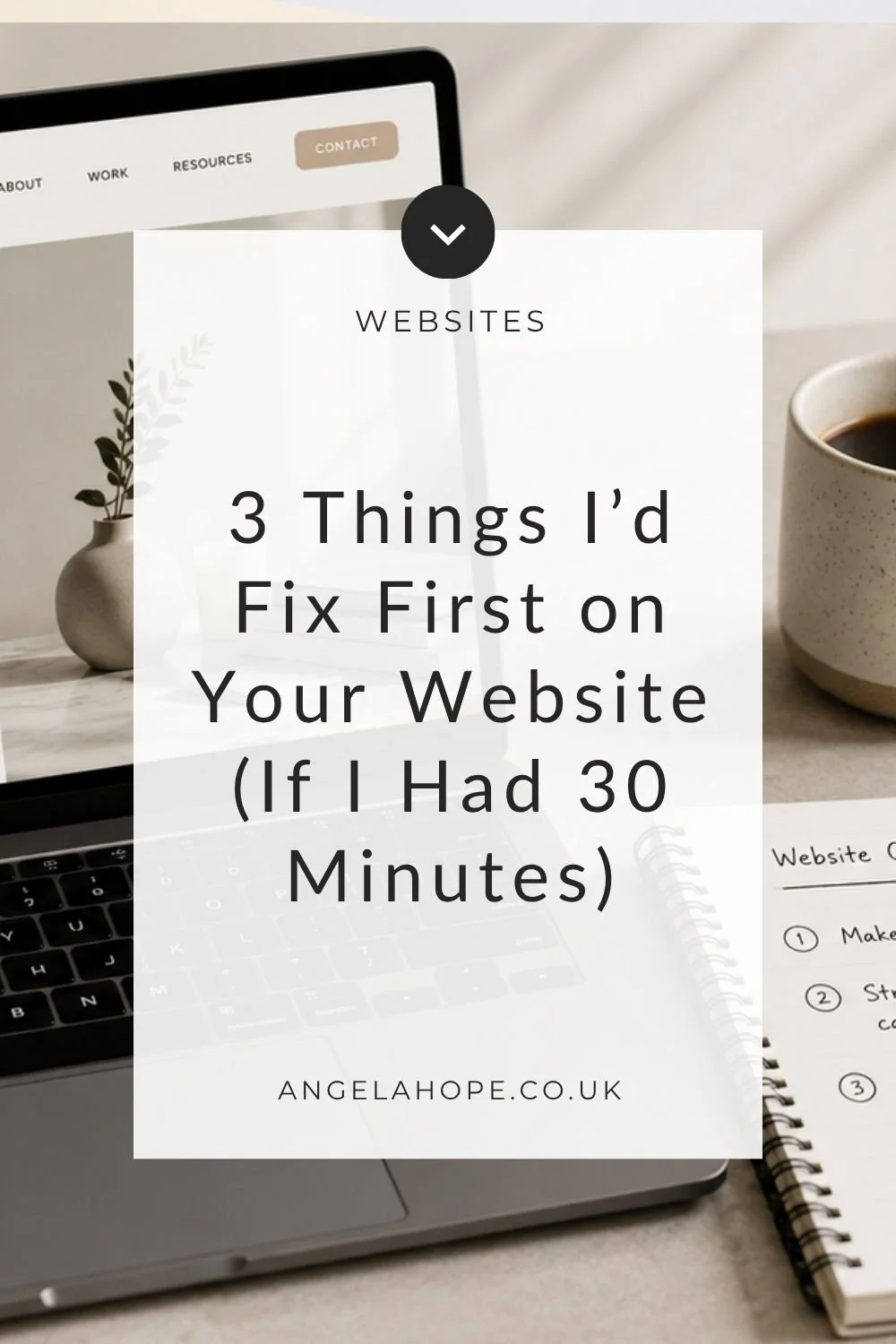
If your website feels “fine” but not quite effective, a few small changes can make a noticeable difference. Here are the three fixes I’d make first if I only had 30 minutes to improve any website: simple, practical, and focused on clarity, navigation, and conversions.

Feeling like your website is cluttered or overwhelming? Discover 5 practical ways to simplify your site, improve user experience, and make it easier for visitors to take action.

A clean Squarespace backend means less stress, faster updates, and a smoother workflow. Here’s how to tidy up your site in just 4 simple steps.

Want your website to feel cohesive and intentional, even if you can’t afford a designer? Learn how to use Pinterest to gather branding inspiration, explore colours and fonts, and discover the visual style that suits your small business.
Writing website copy often feels harder than designing the website itself. You know what you do, who you help, and why it matters — but turning that into clear, confident words can feel overwhelming. The truth is, your website copy doesn’t need to be perfect. It just needs to be clear, structured, and written with purpose. In this post, I’ll walk you through a simple, DIY approach to writing website copy without overthinking it.

Not every web designer works the same way — and that’s a good thing. In this post, I share what I don’t do, why I choose simplicity over complexity, and how a fuss-free approach can make your website easier to manage and less stressful.

Get your website ready for the festive season with simple, actionable tweaks. These quick wins will improve your site before year-end without the stress.
If you’ve been wondering “Can I do SEO on my own website?”, the answer is yes. This post breaks down the basic, fuss-free SEO steps every DIY website needs to start getting found on Google.

Squarespace gives you beautiful design tools — but if your site feels cluttered, overwhelming, or hard to navigate, even the best template won’t help. Simplifying your site can transform it from confusing to compelling. Here's how to streamline your Squarespace website for a smoother, more enjoyable user experience.

If you're a small business owner, your time is precious—and chances are, you're already juggling enough without spending hours manually replying to emails, sending freebies, or scheduling calls. The good news? Your Squarespace website can do a lot of this work for you — automatically.

A well-designed Squarespace website (or any website) can be a powerful tool for your business, but small mistakes can make a big impact on user experience and conversions. Here are five common mistakes and how to fix them.
 Hi I'm Angela
As a Squarespace web designer and digital systems expert I am passionate about keeping life (and work) as simple as possible.
Work With Me | Blog | Email